Google review QR poster for clinics
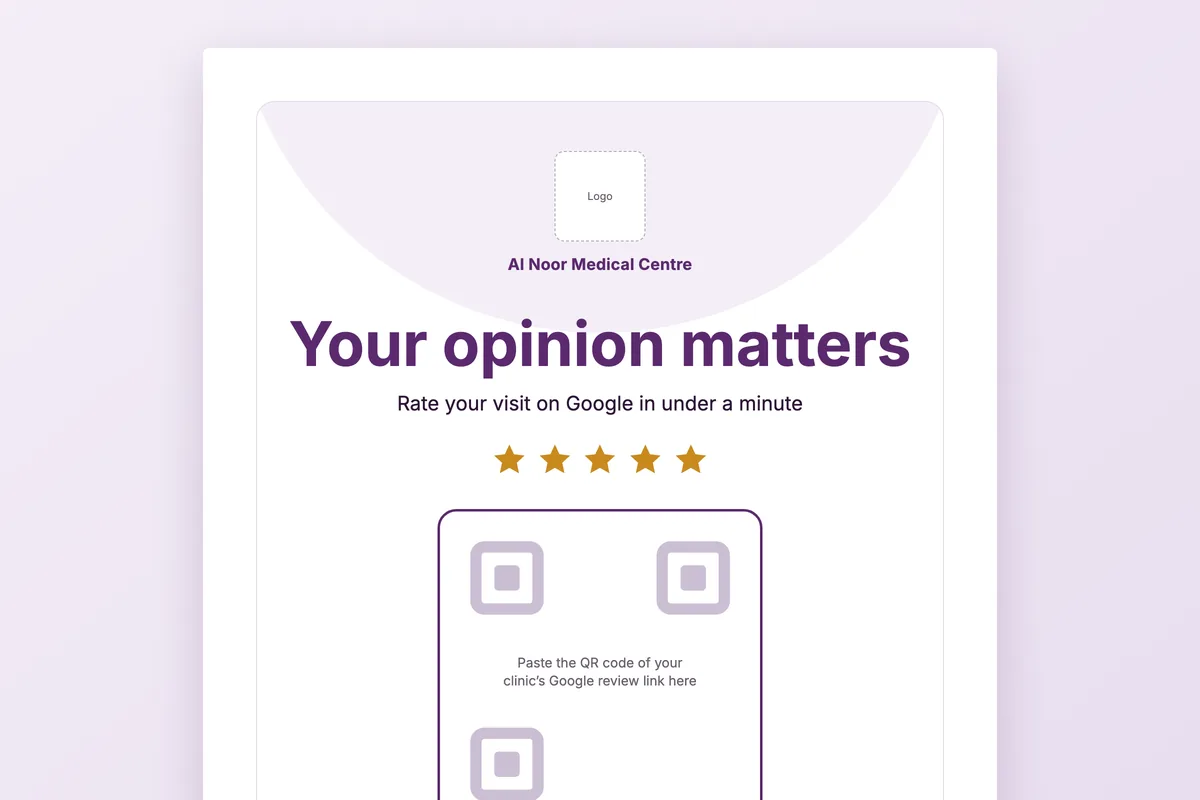
A poster that turns a happy patient into a Google review in under a minute. Paste your review QR code, add your logo and branch, and print.
Download
- Word · English.docx · 39 KB
- PDF · English.pdf · 373 KB
- Word · Arabic.docx · 39 KB
- PDF · Arabic.pdf · 67 KB
FreeNo sign-upDownloads directly
Rather fill it in on screen? Google review QR poster
What is in the file
| A4 poster | Logo, clinic name, the “Your opinion matters” headline, five stars, a large QR space, three numbered steps and a band with the branch and doctor. |
|---|---|
| Waiting-room screen | The same design on the brand colour at 9:16, to export as an image for a TV or tablet in the waiting room. |
| A5 poster | A smaller version for the reception counter or a treatment room. |
| Word file | Every page editable: one size of logo box, and the two brand colours set as theme colours. |
How to use it
Get your review link
In your Google Business Profile, open the option to ask for reviews and copy the short link.
Make the QR code
Turn the link into a QR code with any QR generator and paste the image into the frame.
Add your details
Replace the logo, clinic name, branch and doctor. Test the code with two phones.
Put it where people wait
At the payment desk and by the exit: the moment just after a good visit is the one that works.
Who it is for
Any clinic that wants more Google reviews without chasing patients: one poster per branch, or one per doctor where each doctor has their own profile.
Read next
Feedback
Ask after the session, route a low score to a person before it becomes a public review, and see which doctor, branch and course the scores belong to.
Read more From the blogPatient reviews and Google: how to ask, when, and how to answer the negative ones
The angry patient writes their review on the way to the car. The satisfied patient writes nothing unless asked at the right moment. A…
Read moreMore free files
Questions
Where do I get the QR code?
Copy the review link from your Google Business Profile and turn it into a QR code with a QR generator. Paste the image into the frame on the poster.
Is it fine to ask patients for reviews?
Asking every patient the same way is fine. Offering a discount or gift for a review is not, so the poster asks and offers nothing.
Why one poster per branch?
Each branch has its own Google profile, so each needs its own link. A review on the wrong branch does not help the one the patient visited.
How do I use the 9:16 page?
Export that page as an image from the PDF or Word and show it on the waiting-room screen between other content.
Ask every patient at the right moment
In Medicolize each patient is asked for feedback after the session, and a low score reaches a named person the same day, before it becomes a public review. Thirty minutes on your own clinic.