Reception
The routine messages sent without them typing any of them.
Most clinic admin is not difficult, it is just easy to forget: the follow-up after a procedure, the recall at six months, the patient who missed session four. Automation is the clinic’s memory, and it runs on what the system already knows happened.
A rule fires because a service was delivered, an appointment was missed or a balance aged — not because somebody remembered to run something on a Thursday.
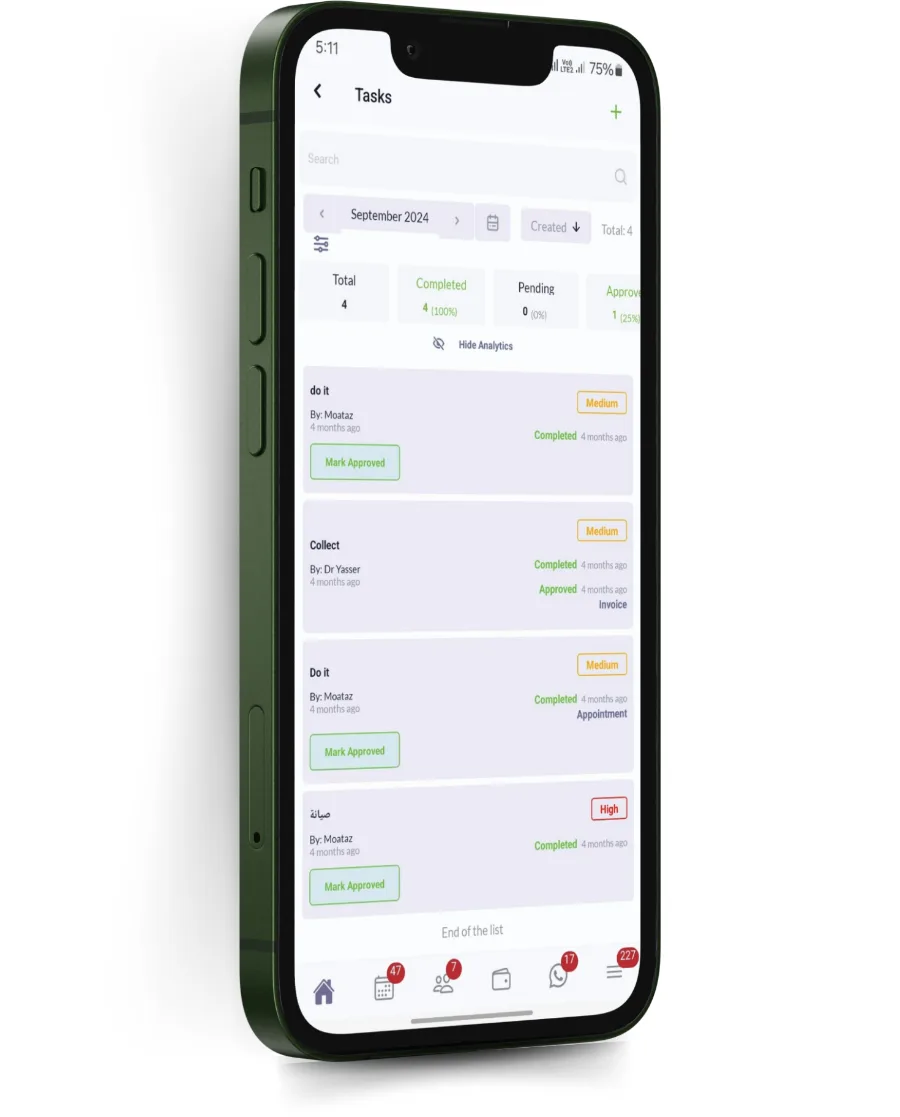
Work that needs a person becomes a task with an owner and a due date, on their list rather than in a conversation they may not remember.
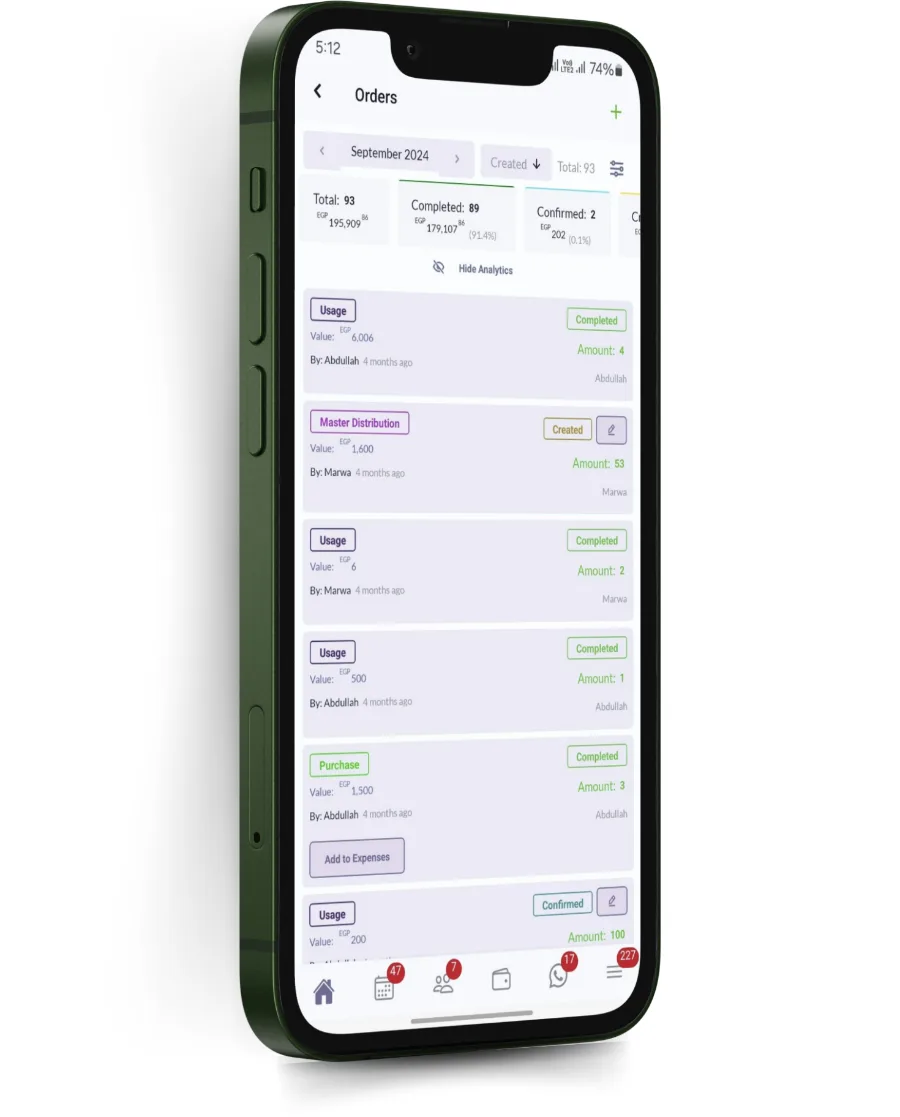
Automation that only the vendor can change is automation that goes stale. Rules, templates and intervals are settings, per branch where they differ.
Usually the person who was holding it in their head.
The routine messages sent without them typing any of them.
Follow-up that happens whether or not anyone remembered.
Recalls and collection running continuously rather than in bursts.
Every clinic already intends to do these things.
Booking, confirmation, arrival, a service being delivered, a payment, a missed appointment, a balance ageing, a package stalling, or a date relative to any of these.
Yes. A dermatology recall interval and a physiotherapy follow-up are different things, and a group with branches in two countries usually needs different rules in each.
No. A rule can send WhatsApp, SMS or email, or create an internal task, or do more than one of those.
Yes, against the patient and in the activity log, including what fired, when, to whom and whether it was delivered.
Confirmations, reminders and rebooking handled on WhatsApp in Arabic and English. Medicolize answers patients without…
Read moreEvery change recorded with who made it and when. Medicolize gives clinic owners an audit trail rather than an…
Read moreFinancial, clinical and patient reporting that reconciles, across branches and specialties. Medicolize reports from…
Read moreHalf an hour on your own services, packages and price list. Someone calls you back within a day.