Owners
No server, no backup routine, no single machine holding the clinic.
A clinic should not be running a server in a back room, and it should not be one failed hard drive away from losing its patient records. Hosting, backup and security are part of the product rather than the clinic’s problem.
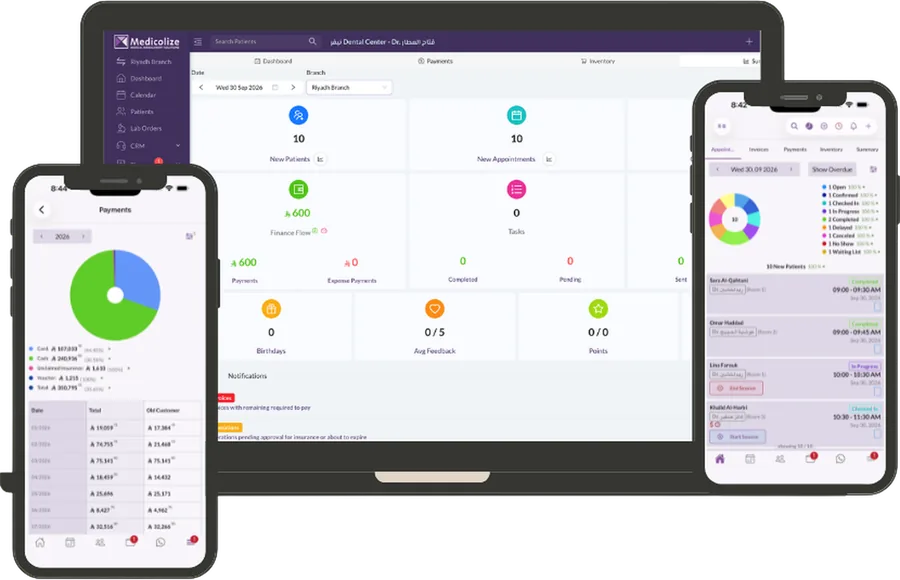
Open a browser or the app. Updates arrive without a visit, and every branch is on the same version on the same day.
The backup that matters is the one that was taken before the thing went wrong, and that has been tested.
Encryption matters, but the realistic risk in a clinic is that everyone can see everything. Roles, branches and record types decide who sees what.
Usually the person who has been asked what happens if the computer dies.
No server, no backup routine, no single machine holding the clinic.
Access control, an audit trail and an export on request.
Nothing to patch, and a documented API rather than a database to poke at.
The risk is not theoretical; most clinics have already had a scare.
In the region the clinic operates in, on infrastructure with geographically separated backups. We will confirm the specific region for your account before you sign.
Yes, in full, at any time, and through the API if you want it continuously.
The mobile app keeps working for the essentials and syncs when the connection returns. For branches with unreliable connectivity this is usually the deciding feature.
Access control, audit logging, encryption and data residency are all in place. The specific certifications differ per market, and we will tell you exactly what applies to yours rather than making a general claim.
Every change recorded with who made it, what it was before, and when. Medicolize gives clinic owners an audit trail…
Read moreAttendance, permissions, commissions and payroll from the work actually recorded. Medicolize manages a clinic team…
Read moreRun the clinic from your phone: calendar, patient records, invoices and alerts. Medicolize ships native apps, not a…
Read moreHalf an hour on your own services, packages and price list. Someone calls you back within a day.